Your X timeline,
heard.
beMyPOD turns the X home timeline you already follow into a short daily audio briefing — narrated by one of 10+ AI hosts. Stop doomscrolling. Press play and get on with your day.

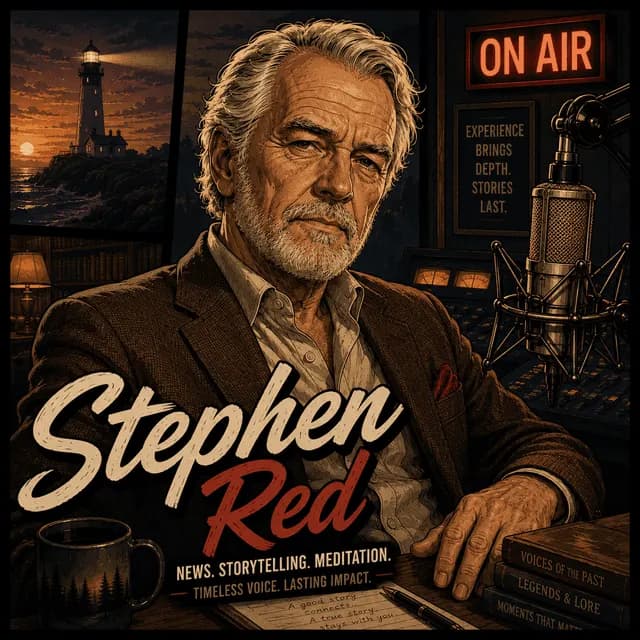

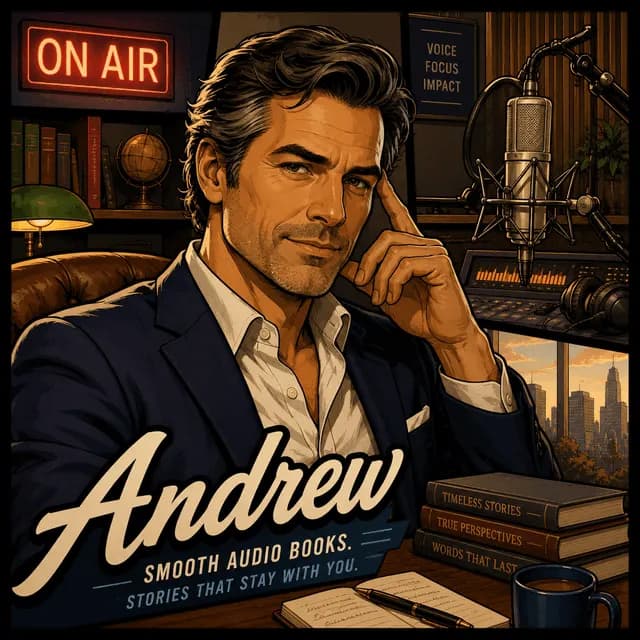
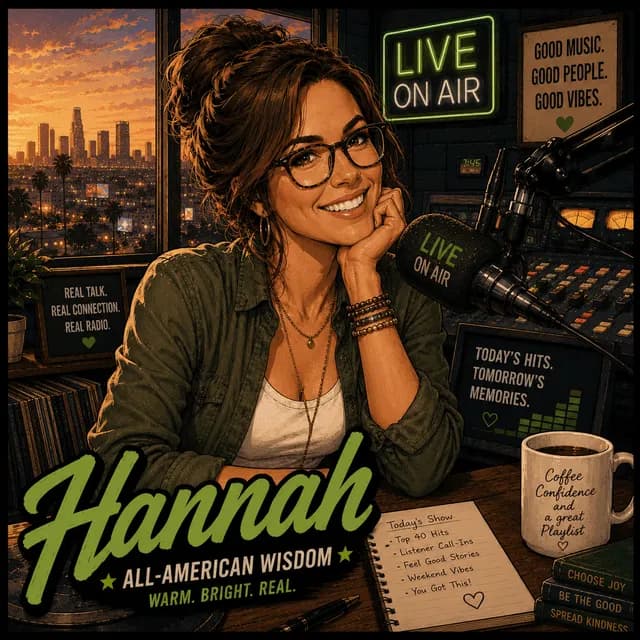
10+ host voices — pick the one that fits your morning.
Your morning briefing
Hosted by Hannah · Breakfast-radio host
Alice•Your real X feedStephen•10+ host voicesVicky•~5 min a dayAndrew•Full text scriptHannah•No doomscrolling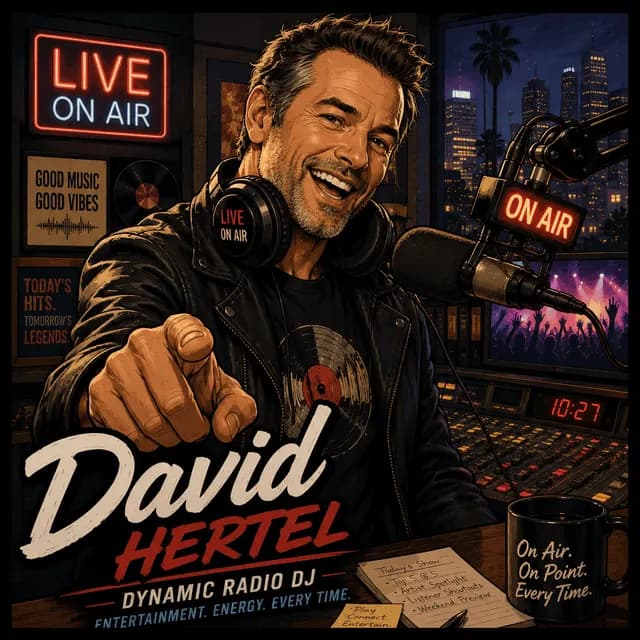 David•Pick your sources
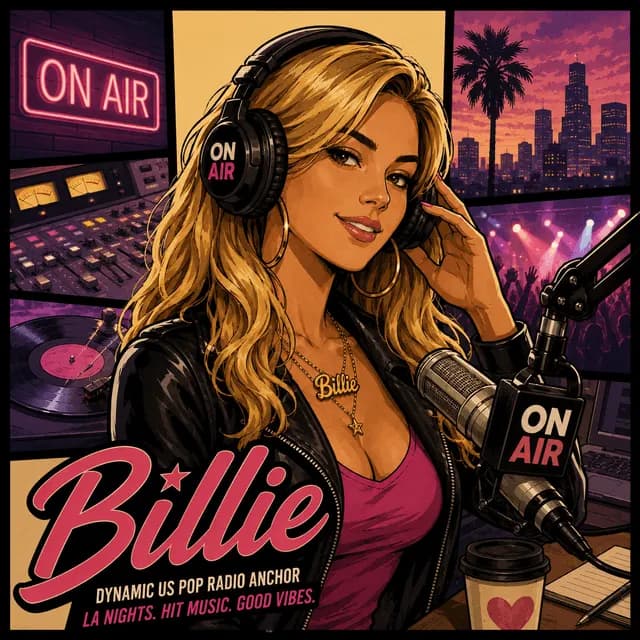 Billie•Your real X feed
 Alex•10+ host voices
 Cera•~5 min a day
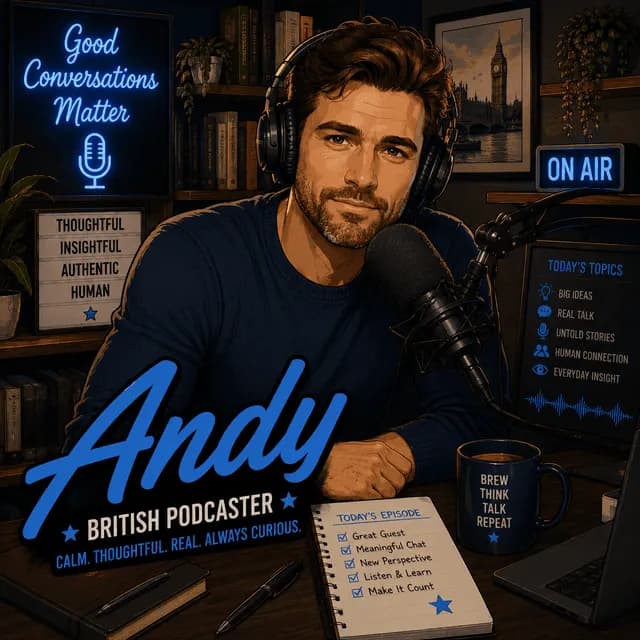 Andy•Full text script
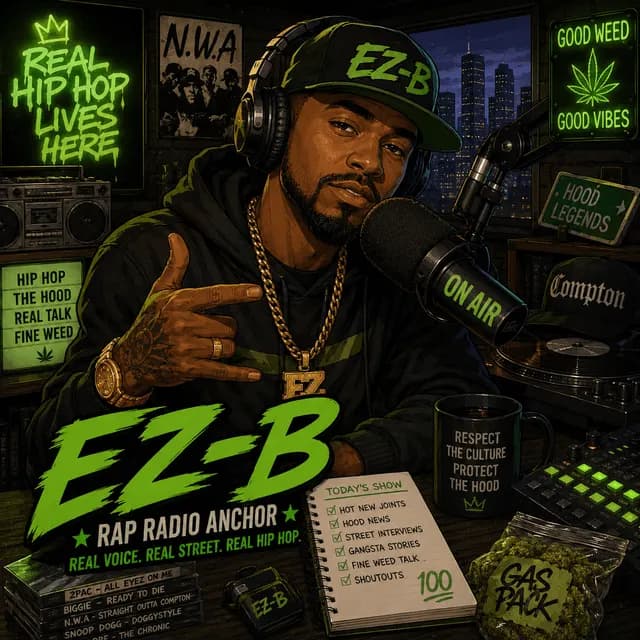 EZ-B•No doomscrollingAlice•Pick your sourcesStephen•Your real X feedVicky•10+ host voicesAndrew•~5 min a dayHannah•Full text scriptDavid•No doomscrollingBillie•Pick your sourcesAlex•Your real X feedCera•10+ host voicesAndy•~5 min a dayEZ-B•Full text script
From feed to episode in four steps
No editing, no production. Connect once, then press a button each morning.
Connect your X account
Securely link the account whose home timeline you actually read. beMyPOD pulls from the feed you already follow — nothing more.
Pick a host voice
Choose from 10+ AI personas — FM radio, deep-dive analyst, prime-time anchor, late-night casual. Switch any day you like.
Press generate
We read the day's posts, write a tight script, and produce a clean audio episode — usually about five minutes.
Listen, not scroll
Play it on your commute, your walk, your coffee. Your timeline, heard — without the infinite scroll.
Pick the voice that fits your morning
Ten-plus distinct personas across FM radio, deep-dive analysis, casual takes and prime-time news. Swap your host any day.
Alice
YouTube casualASMR whisperer
Stephen
YouTube casualLate-night monologue
Vicky
TV newsPrime-time anchor
Andrew
YouTube seriousDeep-dive analyst
Hannah
FM radioBreakfast-radio host
David
TV newsMeasured correspondent
Billie
YouTube casualHype commentator
Alex
FM radioDrive-time DJ
Cera
YouTube seriousCalm explainer
Andy
TV newsQuick-take reporter
EZ-B
FM radioSmooth midnight FM
A daily habit, not another feed to scroll
Everything is built around one idea: hear what your timeline said, then get on with your day.
Your real feed, not a generic news bot
Episodes are built from your X home timeline — the accounts you chose to follow. It sounds like your corner of the internet.
Core promise10+ distinct host personas
Every voice has its own tone and pacing, from calm ASMR to prime-time anchor. Pick the mood that fits your morning.
~5-minute daily briefing
Short by design. A tight, listenable summary you can finish before your coffee cools.
Script you can read
Prefer to skim? Every episode ships with the full text script alongside the audio.
Pick exactly which sources count
Toggle individual accounts on and off so your briefing stays focused on what matters to you.
A library of your days
Every episode is saved. Catch up on the days you missed, any time, in one tidy feed.
Built like a broadcast studio
A calm, focused interface for the one thing that matters: today's episode.
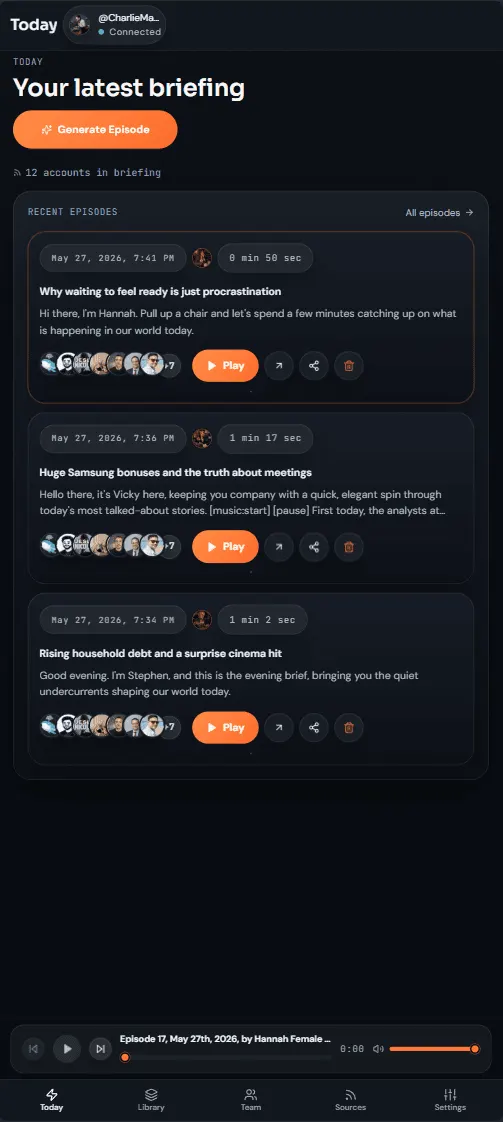
Generate today's episode in a tap.
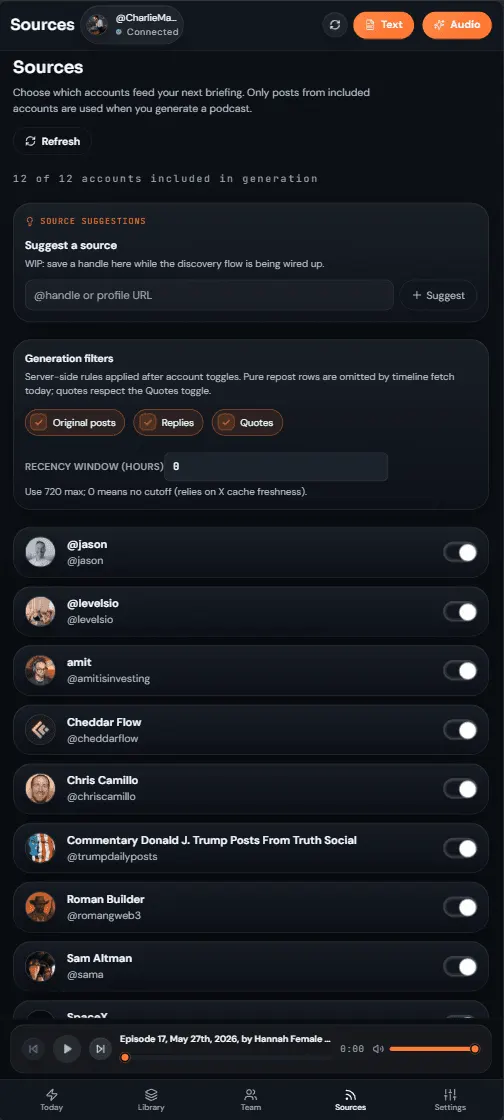
Toggle exactly which accounts count.
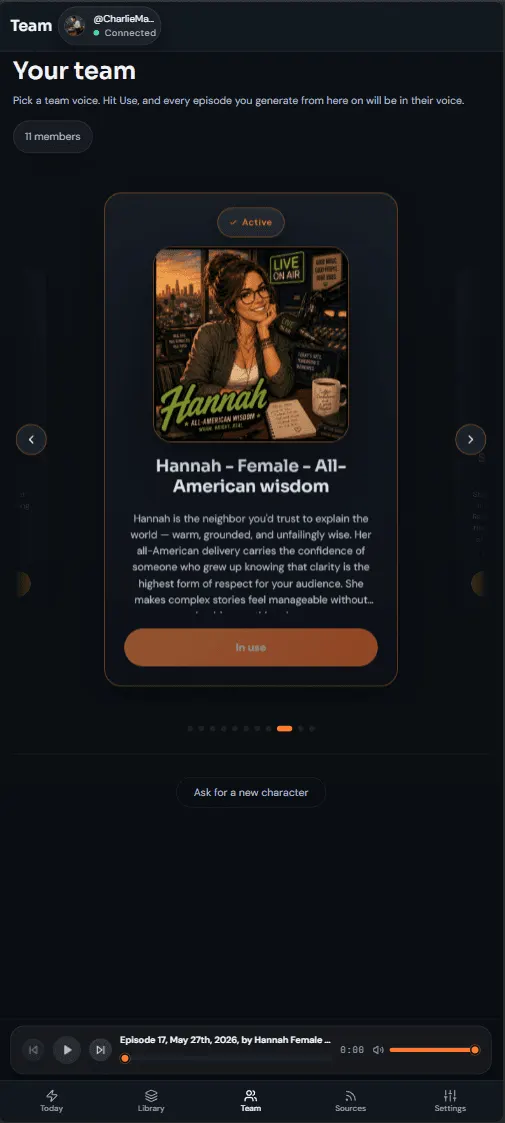
Browse and choose your narrator.
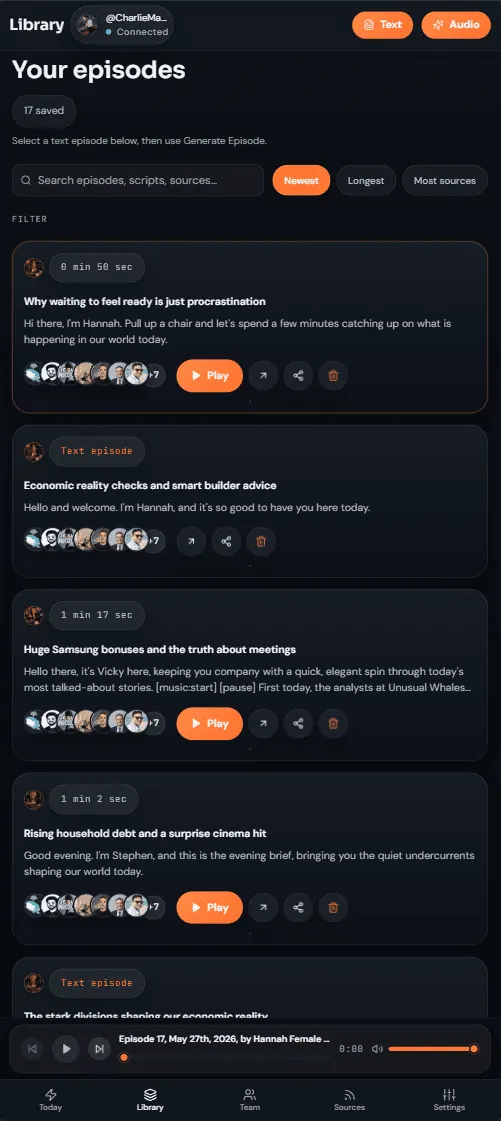
Every day you made, saved.
Simple plans, no mystery gate
Pick a plan, connect your X account, and start listening. Limits and billing terms are stated before you pay.
Pick a plan, press play
beMyPOD runs on simple subscriptions. Choose a plan, sign in with X, and your first daily briefing is one generate button away.
Fair-use generation limits
Daily episodes are designed for personal listening. Plan limits are stated up front, and the app shows them clearly before you generate.
Secure checkout, easy exit
Billing runs through Stripe and promotion codes are supported. Cancel whenever you like — no lock-in, no mystery gate.
Your account stays yours
The product needs timeline access to make an episode, so the permission model and generated-content limits are stated plainly.
Read-only X access
beMyPOD uses X OAuth to read the timeline you connect. It does not post, like, follow, unfollow, or change your X account.
Generated summaries need judgment
Episodes are AI-generated from timeline content and may omit context or make mistakes. Treat them as a briefing, not professional advice.
You control account and data requests
Support, privacy, account deletion, and X data deletion requests are linked publicly from the site footer and legal pages.
Put beMyPOD where your morning already starts
No app store detour. Add the web app to your home screen or dock, then launch straight into today's episode.
iPhone and iPad
- Open beMyPOD in Safari.
- Tap Share in the browser bar.
- Choose Add to Home Screen, then Add.
The icon lands beside your apps and opens full screen.
Android
- Open beMyPOD in Chrome.
- Tap the install prompt or the three-dot menu.
- Choose Install app or Add to Home screen.
Chrome may show the install prompt automatically after login.
Desktop
- Open beMyPOD in Chrome or Edge.
- Click the install icon in the address bar.
- Confirm Install to pin it like a native app.
Works well for keeping your daily briefing one click away.
Questions, answered
Your X (Twitter) home timeline — the posts from the accounts you already follow. We read the day's activity and turn it into a short, narrated audio episode.
Turn today's timeline into today's episode.
Connect your X account, pick a host, and press generate. Your daily briefing is about five minutes away.